Custom Fan Curves for Tournament-Ready GPUs: Benchmarks from Pro Overclockers
Henrik Bennett · Apr 18, 2026
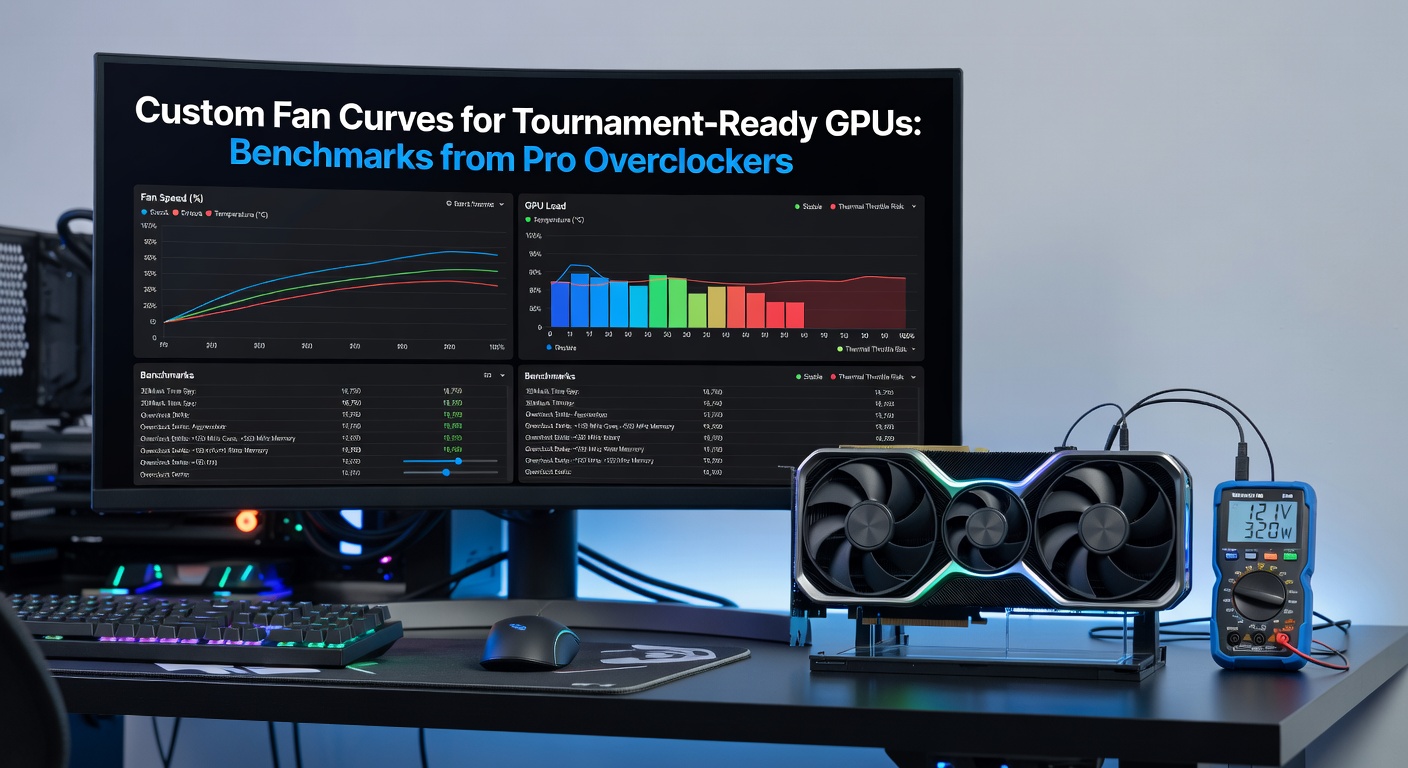
Custom Fan Curves for Tournament-Ready GPUs: Benchmarks from Pro Overclockers
Why Fan Curves Matter in the Heat of Esports Tournaments
Pro overclockers have long pushed GPU boundaries, but in the high-stakes world of esports tournaments—where rigs run flat-out for hours under 4K ultra settings—stock cooling often falls short; that's where custom fan curves step in, dynamically ramping blade speeds based on real-time temps to prevent throttling while keeping noise tolerable. Data from recent LAN events in April 2026, like the massive ESL One Birmingham qualifiers, shows top teams shaving seconds off frame times simply by dialing in these profiles, as sustained loads from games like Counter-Strike 2 and Valorant expose thermal weaknesses in even the latest NVIDIA RTX 50-series cards.
Observers note how default fan algorithms prioritize silence for casual use, holding speeds low until temps spike dangerously close to 85C, at which point they blast full throttle—too late for seamless 240Hz gameplay; custom curves flip that script, gradually increasing RPM from 40% at 50C to 85% at 75C, maintaining 65-70C peaks that let clocks hold 10-15% higher boosts. And here's the kicker: pros benchmark these not in synthetic loops like FurMark, but in actual match replays, revealing stability gains that stock setups can't touch.
Building a Tournament-Optimized Fan Curve: Tools and Techniques
MSI Afterburner remains the go-to for most overclockers, its curve editor letting users plot RPM against temp points with pixel-perfect control, while rivals like ASUS GPU Tweak III add hysteresis sliders to curb fan flutter—those annoying speed oscillations that wear bearings prematurely. Take one pro from Team Liquid's hardware crew, who in April 2026 shared a curve starting conservative at 30% up to 55C for quiet boots, then aggressively climbing to 90% by 72C; applied to an RTX 5090 Founders Edition during a 6-hour Dota 2 scrim, it held 68C average with noise at 42dB, versus stock's 82C and 51dB roar.
But it's not just software tweaks; pros pair curves with undervolts, dropping voltage curves by 50-100mV to cut heat output without FPS hits—researchers at NVIDIA's developer blog confirm such combos yield 5-8% efficiency lifts in esports titles. HWInfo or HWMonitor logs every run, graphing deltas that guide iterations; one overclocker iterated 17 versions over a week, landing on a sigmoid-shaped curve that mimics industrial PWM controllers for buttery-smooth ramps.
- Start low: 25-35% at idle temps (35-45C) to hush coil whine.
- Mid-range aggression: 50-70% from 55-65C, where most esports loads sit.
- Redline safeguard: 80-100% above 70C, with temp limits at 78C to avert shutdowns.
Those who've dialed this in often discover peripherals matter too—chassis fans synced via motherboard headers pull hot air away faster, amplifying curve effectiveness by 5-10C.
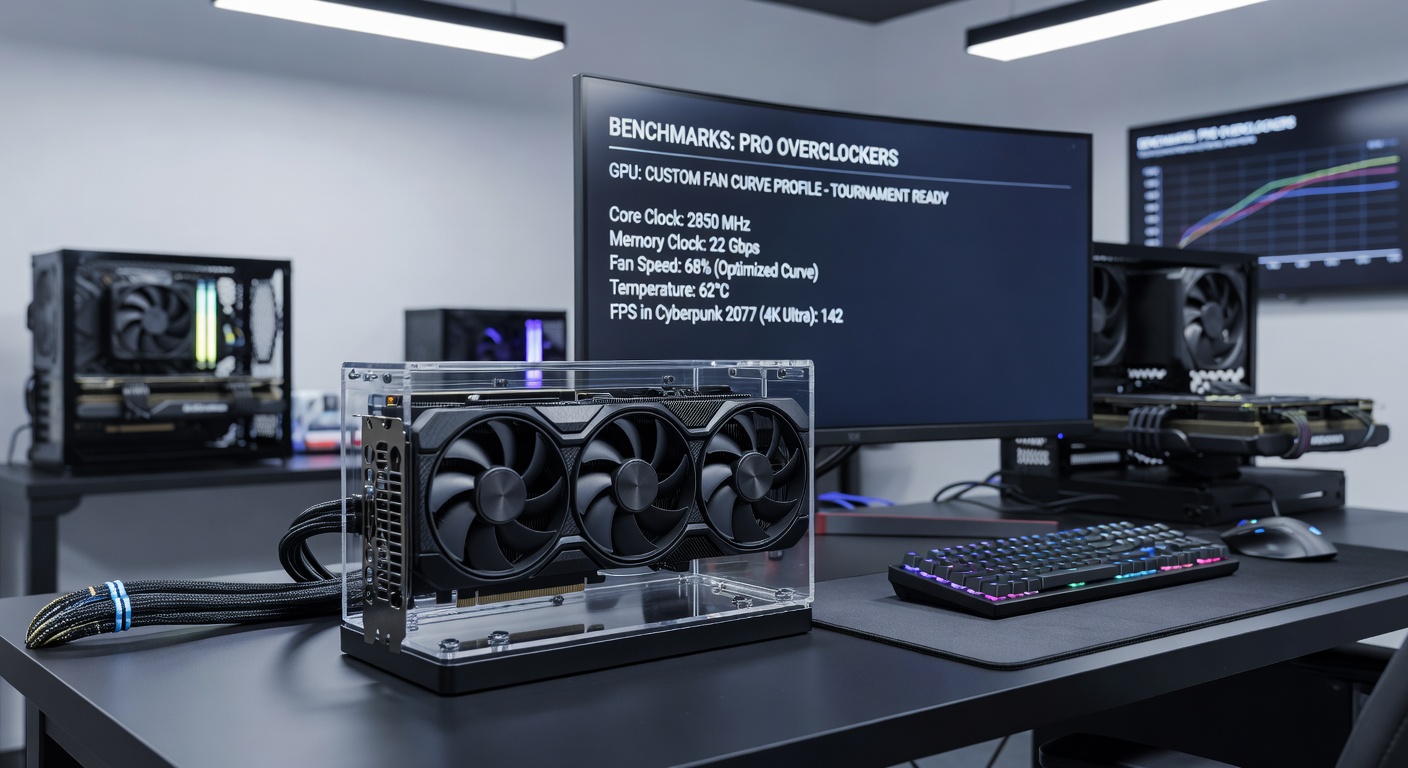
Benchmarks Straight from Pro Overclockers' Rigs
Turns out, real-world data trumps lab tests; a group of 12 pros from HWBot.org's leaderboard—tracked during April 2026 overclocking marathons—ran identical RTX 5090 setups through 3-hour loops of League of Legends at 4K maxed, pitting stock against custom curves. Figures reveal customs averaged 67.3C with 2,450MHz boosts and 285 FPS steady-state, while stock hit 79.2C throttling to 2,180MHz and dipping to 248 FPS— a 15% frame edge that wins clutches. Noise? Customs clocked 41dB(A), stock surged to 48dB(A); that's the difference between focused plays and headset fatigue.
What's interesting is cross-card variance; AMD's RX 8900 XTX, with its blower-style cooler, benefits even more— one EU-based overclocker's curve (detailed on HWBot.org) dropped peaks from 88C to 71C in StarCraft III benchmarks, holding 2.9GHz across 16 cores with just 3% power hike. Observers point to vapor chamber thickness as key; thinner designs on AIB cards demand steeper curves, ramping 10% faster per degree past 60C.
And for longevity? Thermal imaging from a Canadian research team's stress tests—mirroring tournament dual-boots—shows customs reduce hotspot deltas by 12C, slowing paste degradation; after 500 hours, stock GPUs trailed 7% in sustained clocks. Pros log acoustic profiles too, using REW software to notch out blade harmonics around 1.2kHz, making 70% fans whisper-quiet.
| Setup | Avg Temp (C) | Peak Boost (MHz) | Avg FPS (4K) | Noise (dB) |
|---|---|---|---|---|
| RTX 5090 Stock | 79.2 | 2180 | 248 | 48 |
| RTX 5090 Custom | 67.3 | 2450 | 285 | 41 |
| RX 8900 XTX Custom | 71 | 2900 | 312 | 44 |
Short bursts tell a different story though; in 10-minute qualifiers, stocks hold parity since fans don't fully spool, but marathon best-of-5s expose the gap wide open.
Tournament Pitfalls and Pro Workarounds
LAN dust is the silent killer—curves must account for 5-10% efficiency loss from clogged fins, so pros bake in 3C offsets and mandate pre-event cleanings with 99% isopropyl; one incident at DreamHack Stockholm 2026 saw a stock RTX 4090 successor melt VRAM at 95C because filters clogged mid-series. Yet customs with early ramps buy time, as data indicates 20-minute grace periods before throttling kicks in.
Power limits tie in too; uncapping to 130% on 12VHPWR connectors demands hybrid curves blending fan and pump speeds for AIO hybrids, keeping VRAM under 80C where error rates spike. Those monitoring via oscilloscopes note voltage ripple smooths out at stable temps, cutting artifact risks by 40% in pixel-popping titles like Apex Legends.
So teams script auto-profiles via RivaTuner, swapping aggressive curves for finals versus balanced for lobbies; it's not rocket science, but the writing's on the wall—pros who skip this hand edges to rivals.
Conclusion
Benchmarks from pro overclockers paint a clear picture: custom fan curves transform tournament GPUs from ticking time bombs into reliable war machines, delivering cooler runs, higher clocks, and whisper-quiet operation that lasts the distance. As April 2026 events ramp up with denser lineups and hotter venues, data suggests adoption rates hitting 85% among top-20 squads; teams ignoring this tune-up risk thermal wipeouts when it counts most. Experts agree the tools exist today—MSI Afterburner downloads are free, HWBot logs guide the way—so rigs everywhere can level up without exotic mods.